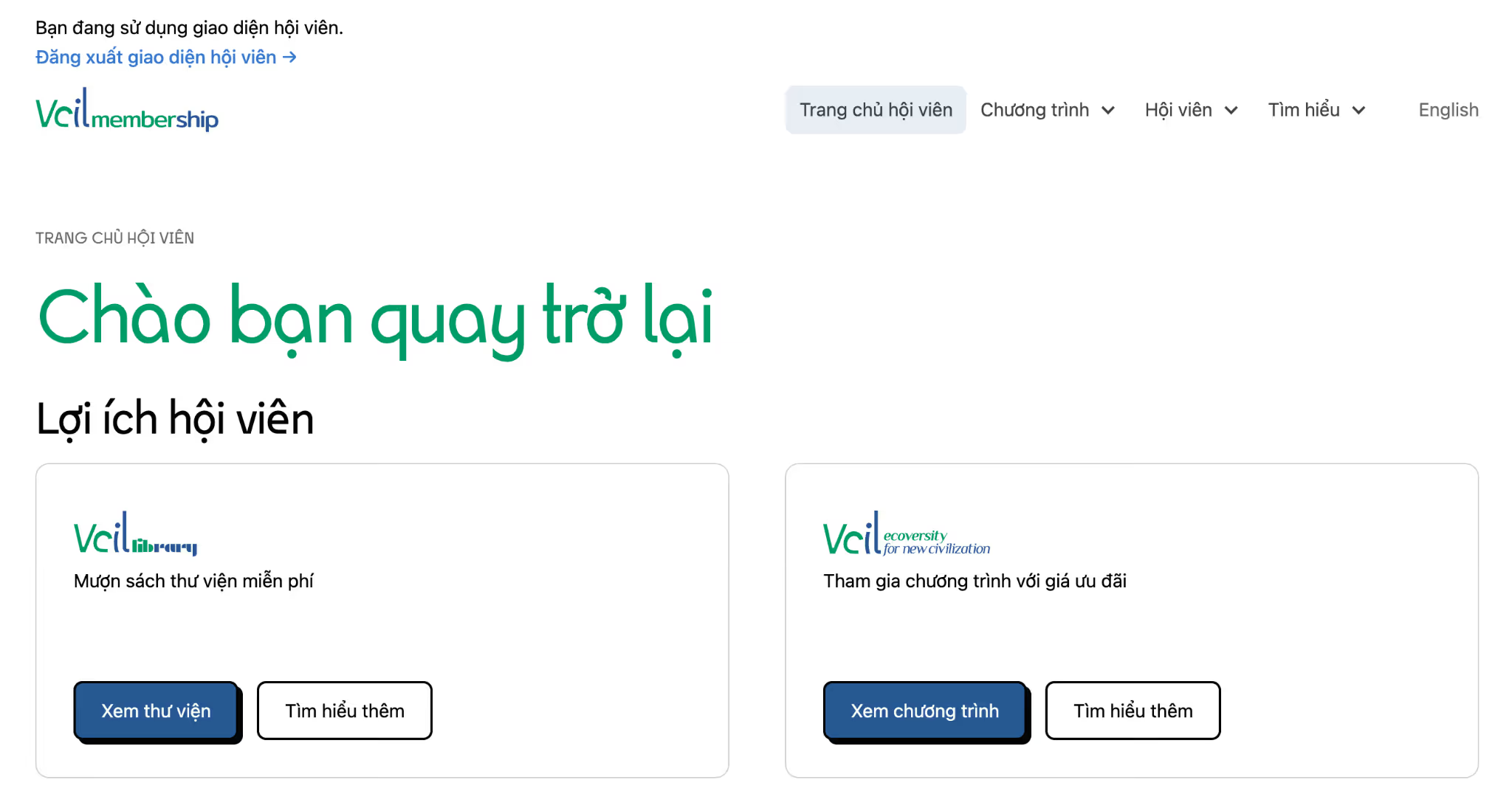
You are using the member interface.
Log out of the member interface →
Vcil Community has launched a dedicated member platform integrated directly into our website. Below is a guide on how to log in and start using it.
Watch the tutorial video here:
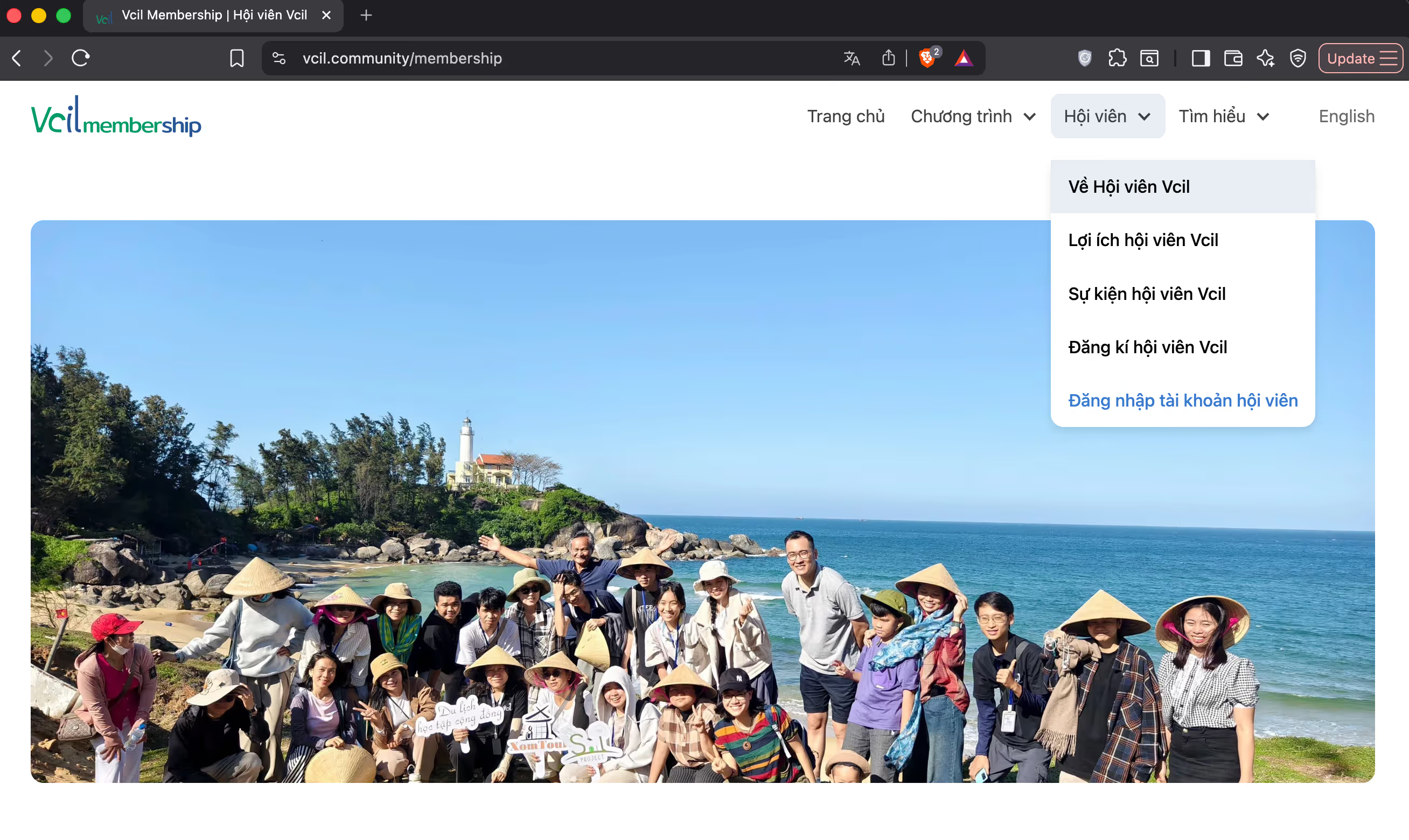
Step 1: Visit our website: https://vcil.community/ -> Go to "Members" -> "Member Login"
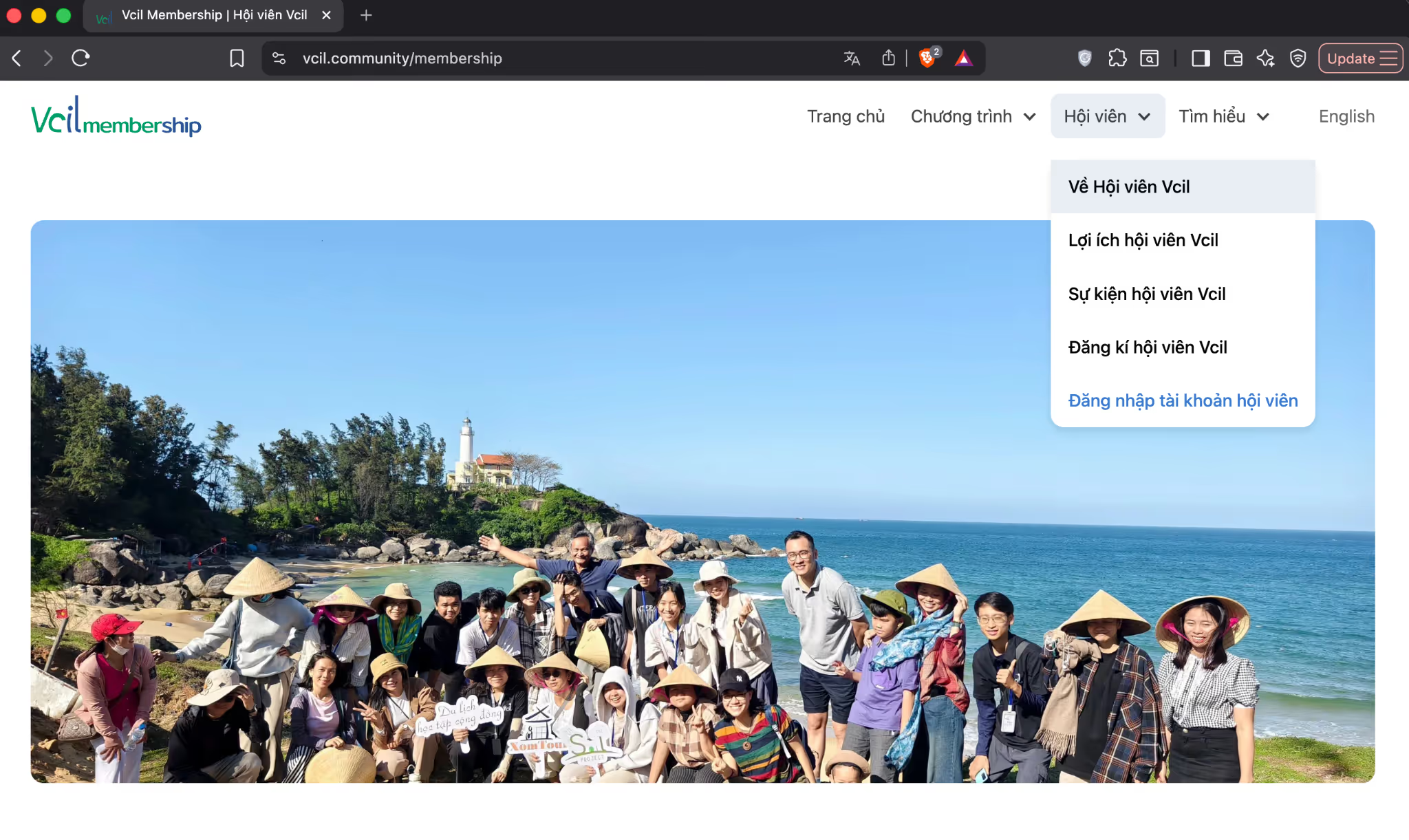
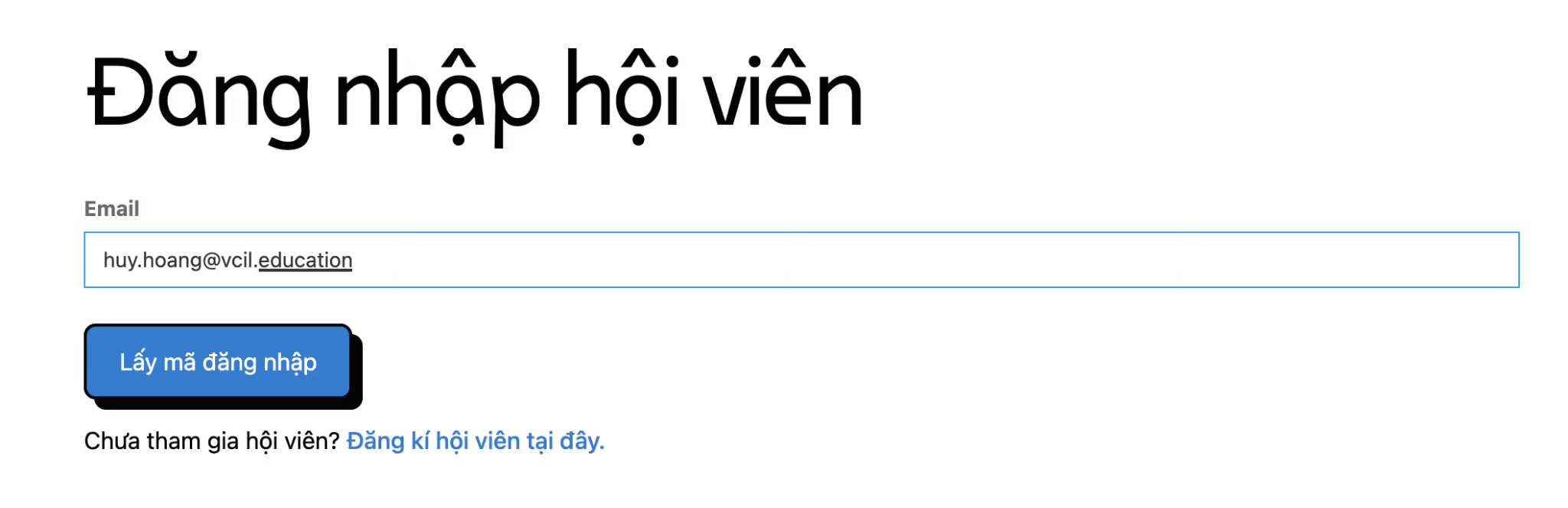
Step 2: Enter the email address you used for your membership registration/Nas.io and click to receive your login code
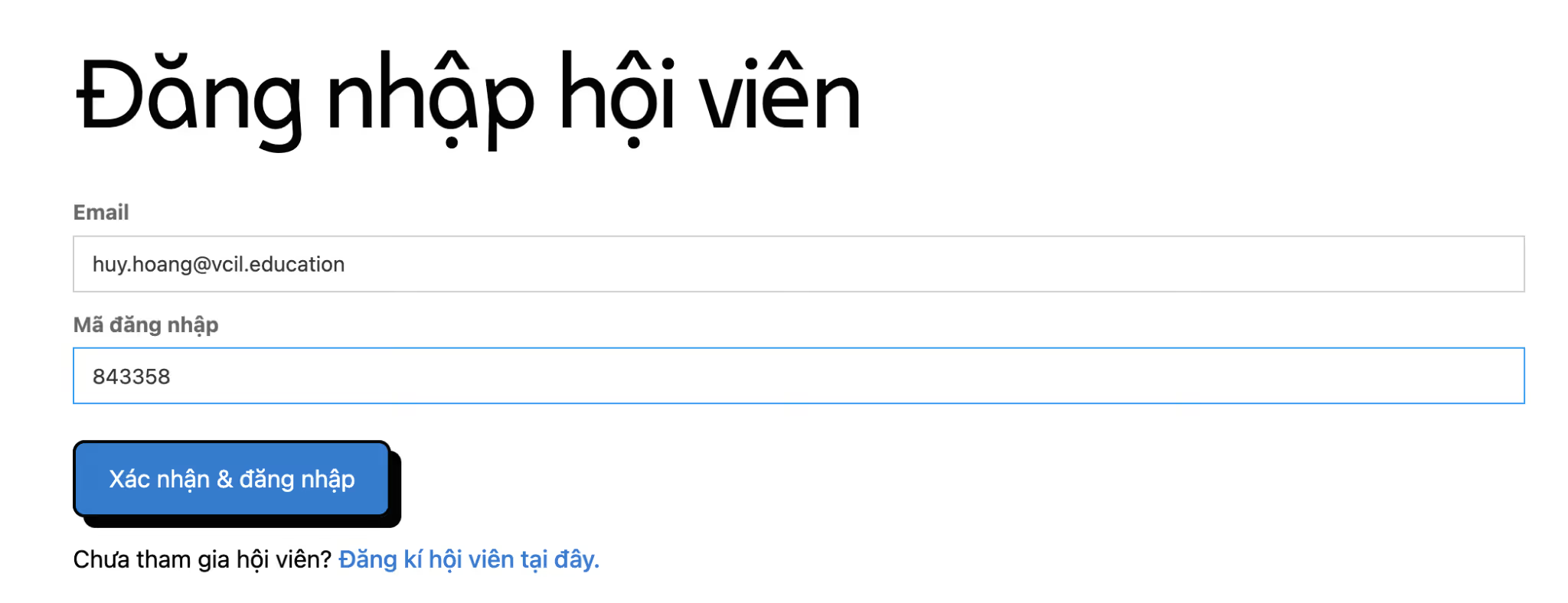
Step 3: Check your email for the code, enter it into the "Login Code" field, and click "Confirm and Log In"
Step 4: You will now have access to the Member dashboard (currently under development). There are many features and resources waiting for you to explore and utilize.